01 / 03
Works for every age
Guests scan the QR code, confirm the privacy notice once and take photos in the browser. Nothing to install, no account, no password.
After the party everyone asks: “Who’s got the photos?” With you, they’re already all there.
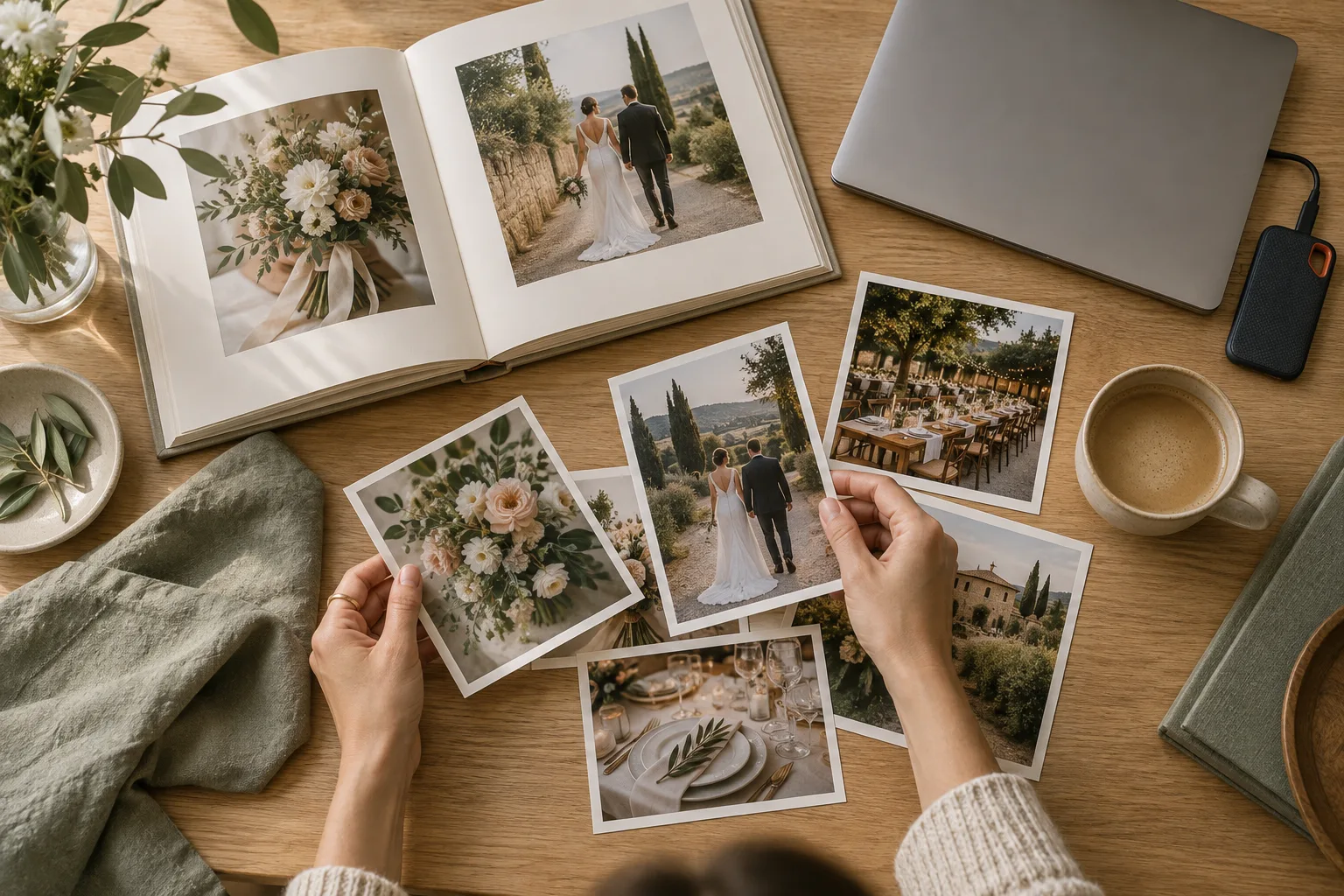 AI-generated
Guests scan the QR code, confirm the privacy notice once and take photos in the browser. Nothing to install, no account, no password.
In the digital guestbook every guest leaves a few words for the couple – right next to the photos, visible to all of the event’s guests.
The pictures aren’t public and can only be reached through your secret event link. At the end you download all the photos as a ZIP – for an anniversary photo book, for example.
At a golden or silver wedding anniversary, several generations often sit at one table: the couple, their children and grandchildren, old friends and neighbours. Everyone takes pictures, everyone has good wishes to share – and after the party it’s all spread across lots of phones. Sammelmomente brings photos and guestbook entries together in one private gallery the couple can look through with the whole family.
Like a disposable camera on every table. Just in your pocket.
Create your event and share the QR code. On the invitation, on the tables or simply as a link.
Your guests scan, open the camera and start snapping. No app, no account.
Right away or the morning after: open your private gallery when the moment feels right.
Every guest’s photos come together in your private gallery. Create your event and share the QR code with your guests.



Gallery preview with AI-generated example photos. No private customer photos.
Start for free. Pick a bigger package as your guest list grows.
More than 1000 guests, several events or special requirements? Drop us a line – we’ll put together an offer that fits.
Send enquiryAll packages include a private guest gallery; prices include VAT. Storage period counts from the event date. Downloaded photos carry the “sammelmomente.de” wordmark, except in the package with custom branding. Switching packages costs the full package price; no automatic renewal. Collect event photos for free
A golden wedding celebrates 50 years together, a silver wedding 25. Occasions like these bring together people who rarely sit at the same table: the couple’s siblings, children and grandchildren, the witnesses from back then, friends and neighbours. Everyone has their phone with them, and everyone photographs something different – the children’s speech, cutting the cake, the dance to the old wedding song.
After the party these pictures are scattered across many devices, and not everyone remembers to pass them on. A shared gallery collects them while the celebration is still going: guests scan a QR code, take photos right in the browser, and every picture lands in a private gallery for the family. Nobody needs a WhatsApp group that collects every guest’s phone number.
At a wedding anniversary the guest list often runs from toddlers to great-grandmothers. That’s why the process is deliberately short: hold the phone camera over the QR code, confirm the privacy notice, take photos. There’s no app to install, no account and no password. Anyone unsure the first time gets a quick hand from the grandchildren – after that it runs by itself.
You design the table cards yourself in the editor, with the couple’s names and a photo – from their wedding day back then, perhaps – in A4, A5 or A6. If you’d rather invite digitally, send the invitation with RSVP straight from Sammelmomente. And if reception in the function room is poor, shots taken with the event camera are stored on the phone and uploaded later.
An anniversary calls for good wishes. In the digital guestbook each guest writes a few lines to the couple – a memory of the wedding day 25 or 50 years ago, a thank-you, a wish for the years ahead. The entries sit right next to the photos in the gallery and are only visible to the event’s guests. Typos are no problem, because every guest can edit their own entry later. If you allow existing pictures, guests can also upload old photos of the couple that they have on their phone.
With paid packages the pictures are stored for 90 days from the event date. Download them as a ZIP during that time and put the loveliest guestbook entries into a photo book too – a present the couple can leaf through without a phone. After that the event, photos and entries are deleted automatically.
You’ll find the process in detail under How it works, and all packages under Pricing.
A guide by type of solution, not a comparison of specific providers. What other digital services and cloud storage offer depends on the service, plan and settings in question – check their current product information. For Sammelmomente, the limits of each package apply.
| Sammelmomente | Other providers | Disposable camera | Cloud folder | |
|---|---|---|---|---|
| Guests don’t need an app | Yes, in the browser | Depends on the provider | Yes, analogue shots | Depends on the provider |
| No guest phone numbers needed | Yes | Depends on the provider | Yes, analogue shots | Depends on the provider |
| Reveal the gallery later | Yes, adjustable | Depends on the provider | Photos available after developing | Depends on the provider |
| Limited shots | Yes, adjustable per guest session | Depends on the provider | Limited by the film | Depends on the provider |
| Download all photos at once | Yes, approved photos as a ZIP | Depends on the provider | Needs digitising | Depends on the provider |
| Review photos before they reach the gallery | Yes, from the “300 guests” package up | Depends on the provider | Selection after developing | Depends on the provider |
| Automatic deletion after a set period | Yes, after the package period | Depends on the provider | No digital storage in the camera | Depends on the provider |
Most easily in one shared place: create an event, put cards with the QR code on the tables or send the link ahead with the invitation. Guests take photos in their browser, every picture lands in a private gallery, and at the end you download them all together as a ZIP.
The process is deliberately short: hold the phone camera over the QR code, confirm the privacy notice, take photos. Nothing gets installed. Anyone without a smartphone can simply join in with their children or grandchildren on their phones.
With every paid package, 90 days from the event date. Download the photos as a ZIP during that time and copy the loveliest guestbook entries in good time – into a photo book or a thank-you card, for example. After that the event, pictures and entries are deleted automatically.
Up to 5 guests, Sammelmomente is free for 7 days. The 50 guests package is a one-off €39 per event and covers up to 50 guests with 25 photos each and 90 days of storage. There’s no subscription and no automatic renewal.
Through the printable card from the editor (A4, A5 or A6) that you put out at the golden wedding anniversary, or through the event link you send by messenger or with the invitation. Both lead to the same page.
No. Guests scan the QR code, confirm the privacy notice and take photos right in their phone’s browser. Nothing is installed and no account is created.